
Rock Paper Scissors1.1 - Google Play
You'll be able to see results in few seconds.
Publisher Description
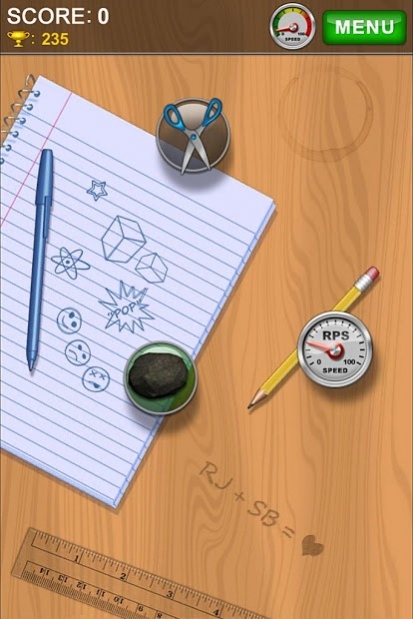
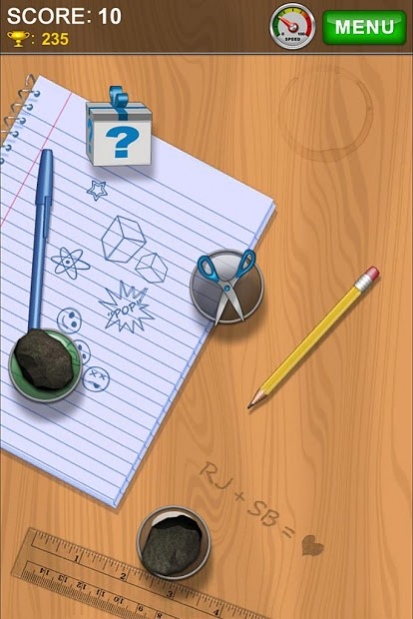
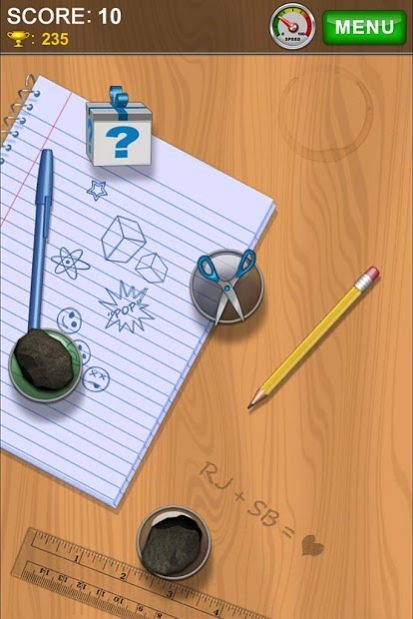
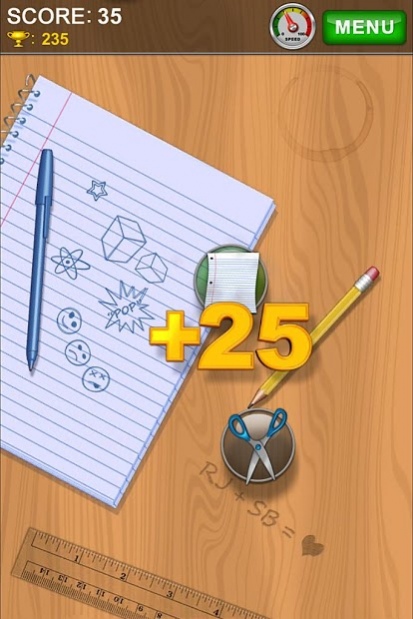
Rock Paper Scissors is a fast paced and addictive arcade game where you collect points by colliding or dodging other symbols.
HOW TO PLAY:
Rock Paper Scissors works as you expect.
You start with a random symbol. Touch the screen where you want it to move. If your symbol is a rock, avoid other rocks and papers, and look for scissors. You will be awarded points and your current symbol will become scissors.
RULES:
- Rock beats Scissors
- Scissors beat Paper
- Paper beats Rock
Catching speedometer symbols will either slow down or accelerate the gameplay. High-rev speedometers will speed up the game while low-rev speedometers will slow it down.
Gift boxes appear occasionally and contain prizes from 25 to 100 points so make sure you grab them!
FEATURES:
- One touch control
- Colorful graphics and animations
- Multi-hit Combos
- Mystery Box prizes
- Use your Google+ account to view the online Leaderboard and Achievements and compete with your friends for the highest scores!
SUPPORT:
If you encounter any problems with the game, please email the device you're using, Android OS version, and a detailed description to info@roguestream.com.
Please don’t leave support problems in our comments – We respond to support emails and the problem will be fixed as soon as possible.
NOTE:
This free version of Rock Paper Scissors contains third party advertisements.
About Rock Paper Scissors
The company that develops Rock Paper Scissors is Rogue Stream. The latest version released by its developer is 1.1.
To install Rock Paper Scissors on your Android device, just click the green Continue To App button above to start the installation process. The app is listed on our website since 2014-09-13 and was downloaded 0 times. We have already checked if the download link is safe, however for your own protection we recommend that you scan the downloaded app with your antivirus. Your antivirus may detect the Rock Paper Scissors as malware as malware if the download link to com.RogueStream.RockPaperScissors is broken.
How to install Rock Paper Scissors on your Android device:
- Click on the Continue To App button on our website. This will redirect you to Google Play.
- Once the Rock Paper Scissors is shown in the Google Play listing of your Android device, you can start its download and installation. Tap on the Install button located below the search bar and to the right of the app icon.
- A pop-up window with the permissions required by Rock Paper Scissors will be shown. Click on Accept to continue the process.
- Rock Paper Scissors will be downloaded onto your device, displaying a progress. Once the download completes, the installation will start and you'll get a notification after the installation is finished.
Program Details
System requirements
Download information
Pricing
Version History
version 1.1
posted on 2014-09-13
Added links to Facebook and Twitter.
Message 'Loading' will appear when loading a new game.
Disclaimer
Official Google Play Link
We do not host Rock Paper Scissors on our servers. We did not scan it for viruses, adware, spyware or other type of malware. This app is hosted by Google and passed their terms and conditions to be listed there. We recommend caution when installing it.
The Google Play link for Rock Paper Scissors is provided to you by apps112.com without any warranties, representations or guarantees of any kind, so access it at your own risk.
If you have questions regarding this particular app contact the publisher directly. For questions about the functionalities of apps112.com contact us.
